Legally compliant time tracking with SeaTable
For many companies, reliable time tracking remains a challenge—Excel spreadsheets become outdated, timesheets get lost, and by the end of the month, the numbers don’t add up. This erodes trust, creates frustration, and poses real risks due to inaccurate payroll calculations and, in the worst case, problems during a tax audit. Yet a modern time-tracking solution doesn’t have to be complicated. With SeaTable, tracking your team’s hours is effortless—simple, transparent, and compliant with the law.
A Customized Time Tracking App
SeaTable is the perfect choice for tracking your work hours
-
Keep track of your work hours
Time tracking and collaborative data management in one central location. With chat functionality, notifications, and real-time updates, your HR team is always up to date.
-
Flexible and intuitive
An intuitive interface, easy-to-use templates, and instant access: Create customized solutions for time tracking—from time calculators to reporting and documentation.
-
Legally compliant
Record working hours in compliance with the EU case law and protect sensitive data through GDPR-compliant storage on European servers.
-
Flexible AI features
Take advantage of the built-in AI automations for streamlined workflows and intelligent data processing. This gives you an even more powerful time-tracking app.
-
Custom ESS Portals
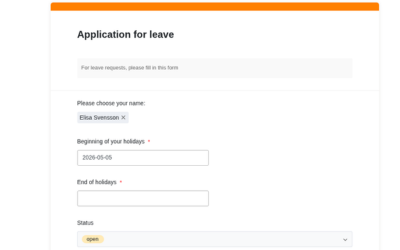
With our App Builder, you can easily create a time tracking app with an input form for your employees. Tracking work hours or requesting time off? No problem.
-
Reports and Dashboards
Create clear monitoring dashboards and reports with just a few clicks. Analyze attendance, overtime, and absences for seamless, data-driven workforce planning.
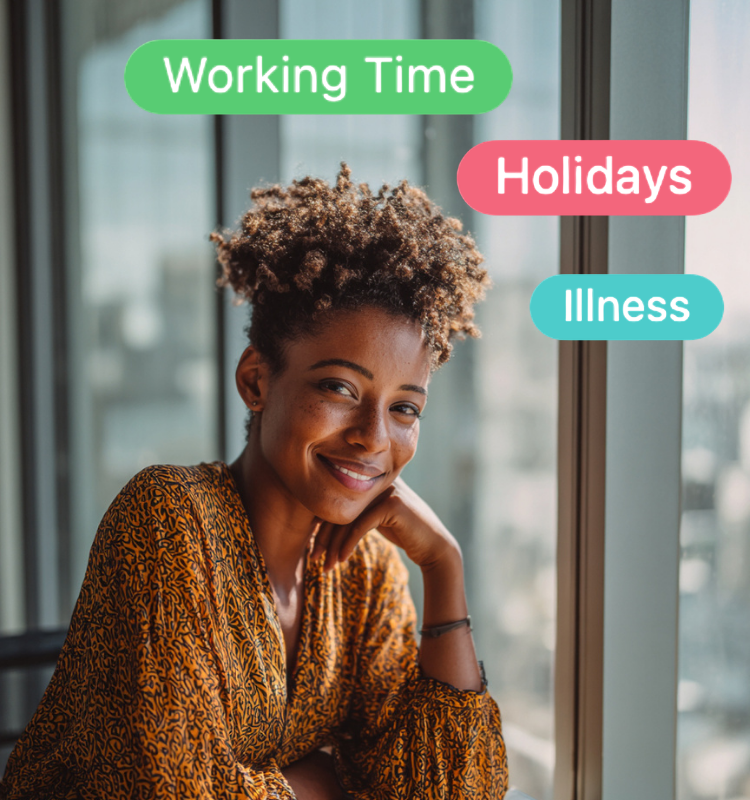
GDPR-compliant and customizable
The ideal tool for accurate time tracking
With a time tracking app, you can save time, comply with legal requirements, and reduce administrative overhead. With its fully customizable user interface and flexible features, the AI no-code platform SeaTable offers numerous benefits for HR management and time tracking in both small and large companies!
protects your employees from burnout
ensures that breaks and rest periods are observed
optimizes internal processes
enables efficient workforce planning
lets you respond to bottlenecks in a timely manner
100% GDPR-compliant
flexibly customizable data structure
One time-tracking app, many benefits
Time Tracking with SeaTable
No-code app as an ESS
With SeaTables App Builder, you can create custom ESS forms for your time tracking system. Your employees can independently enter overtime, vacation, and sick leave without having access to the entire time tracking system. You can keep track of everything on the dashboard and are automatically notified of new entries or discrepancies.
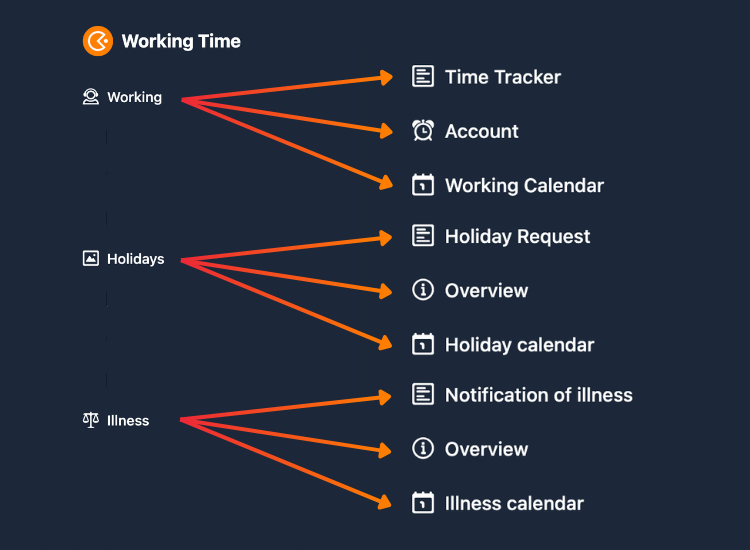
Easy data entry
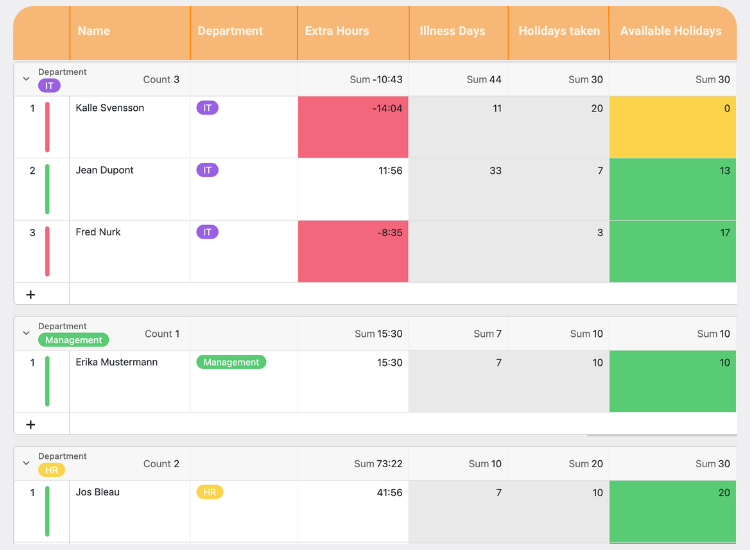
Your employees can easily track their working hours using intuitive web forms. For each form, SeaTable creates a new entry that only managers can view and edit. The time-tracking app automatically calculates hours worked, as well as overtime and under-hours, and highlights the daily balance in color.
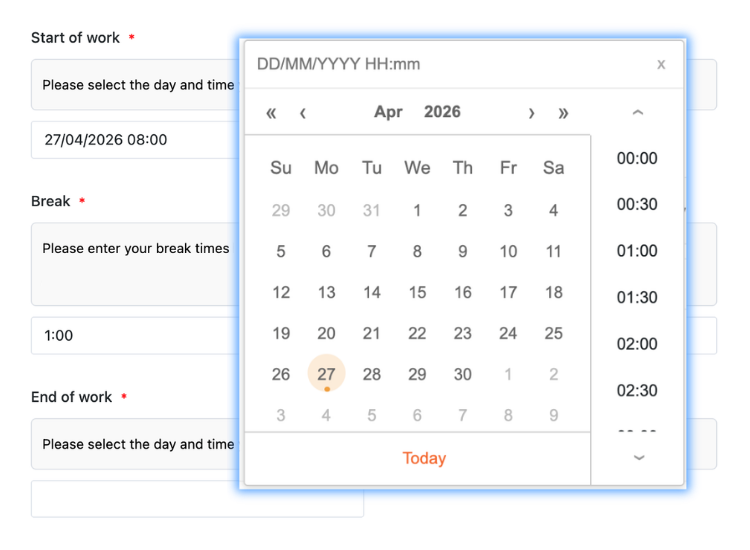
Monitoring and Reporting
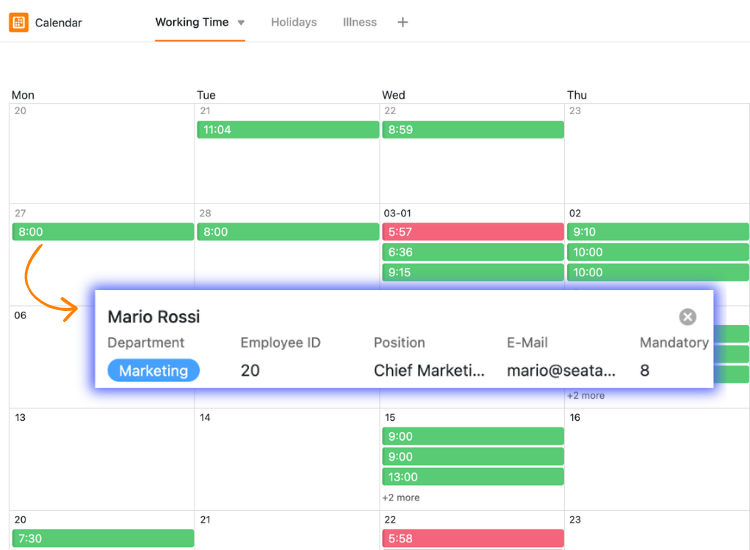
At first glance, SeaTable’s time tracking software resembles other tools, but it offers advanced visualization features: filters, sorting, grouping, various views, statistics dashboards, and a report designer plugin make it easier for you to monitor your employees’ time tracking and create compelling management reports.
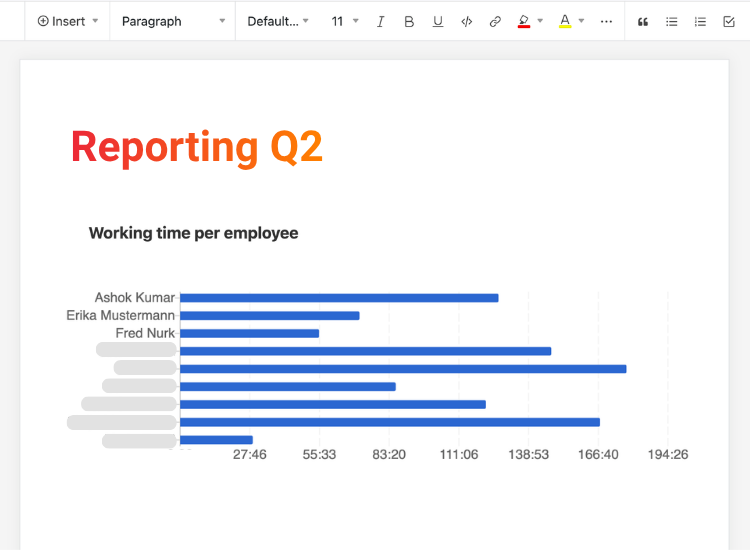
Time tracking, absence planner, and more
When employees track their hours in different spreadsheets, consolidating the data is often tedious and prone to errors. With SeaTable as a time-tracking app, all data flows centrally into a secure, online database. Using views, sharing, and permissions, you control who sees and edits which data—efficiently, organized, and accessible at all times.
Smart Automations
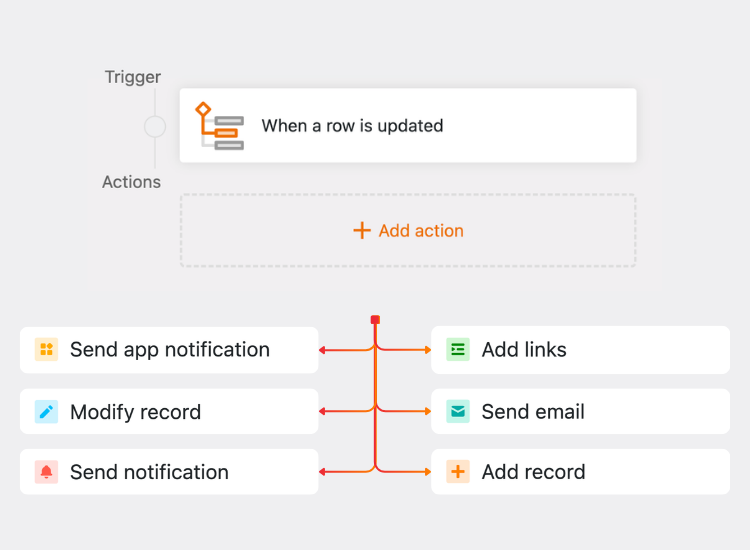
With built-in automations, your time tracking app becomes even more powerful! Send notifications or emails, edit entries, execute AI actions, generate PDFs: With the intuitive drag-and-drop editor, you can define your desired triggers and let your time tracking system do the work.
Compliance, Transparency, Data Protection
Legally compliant and GDPR-compliant time tracking
In May 2019, the European Court of Justice (ECJ) ruled that companies in the EU are required to systematically track working hours. You should therefore urgently start using a digital time-tracking system like SeaTable, which not only records your employees’ working hours but also issues early warnings when working hours are about to be exceeded.
-
Strict data protection
The SeaTable Cloud and the SeaTable AI Server are hosted in certified data centers in Germany—in full compliance with the GDPR.
-
Access permissions
With SeaTable you can set up custom role permissions and restrict access to sensitive data using granular access and editing rights.
-
In compliance with the law
With our work hours calculator, you’ll receive automatic notifications when hours are exceeded. This ensures that all regulations are followed.
Your modern time tracking system is just a click away
Time Tracking and Human Resources Management
Time tracking with SeaTable instead of Personio
SeaTable is a compelling tool for time tracking and HR, easily serving as an alternative to Personio. In a direct comparison, SeaTable stands out in particular for its fully customizable data structure, a broader range of features, a no-code app builder for flexible ESS, and various hosting options—for full control and data sovereignty, companies can use SeaTable on-premises.
Flexible, personalized, robust
Customized templates for your time tracking
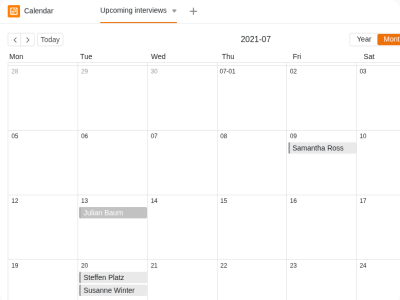
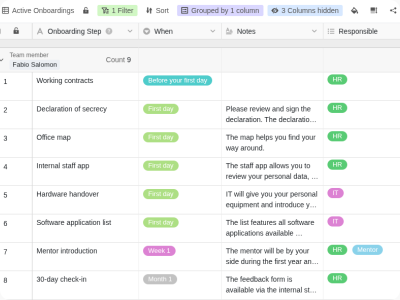
With the free timesheet template and other SeaTable templates for HR, you can build your own custom HR system using a modular approach. Expand your digital timesheet with features like a vacation and absence planner or a holiday calendar. Import our templates into your SeaTable account with just one click.
Vacation Planner
Recruitment
Employee Onboarding
Cloud or self-hosted?
SeaTable offers a wide range of features across all pricing plans

SeaTable Cloud
Perfect for businesses that want to get started quickly without needing a complex IT infrastructure—flexible and scalable.

SeaTable Server
For companies that want to retain full control over their data, SeaTable Server offers an on-premises option.

SeaTable Dedicated
For businesses that need the simplicity of the cloud and the flexibility of a self-hosted system.
Ready for flexible, legally compliant time tracking?
FAQ – Time Tracking with SeaTable
-
Is the timesheet template free?
-
Yes, you can use the time tracking app for free with SeaTable Free. This plan is automatically assigned to you when you sign up for SeaTable. With an Enterprise subscription, you also get access to convenient automations that can save you a lot of manual clicks.
-
How should working hours be tracked?
-
The start, end, and duration of the daily workday must be recorded electronically, typically on the same day. The easiest way to do this is with a time-tracking app. Why? Because modern time-tracking systems are more than just a simple time-clock app. They cover employee time tracking, request management, work hour calculators, internal notifications, and reporting.
-
Can SeaTable be used to track work hours in a legally compliant manner?
-
Yes, with SeaTable as a time-tracking app, your employees can electronically record their working hours in real time in an online database. All they need is an email address and an internet connection. With our template for a time tracking app, you can create a separate time tracking account for each employee, clearly showing overtime, working hours, vacation days, and sick days. This ensures you meet all current regulations, and if needed, you can flexibly adapt your digital time tracking system to new requirements or changes in the legal landscape.
-
Can you collaborate with external vendors and agencies in SeaTable?
-
Absolutely! Many teams collaborate with external service providers, such as recruiters and agencies, in SeaTable. You can invite them to your time tracking system or simply share specific views to grant them access to specific data related to your team. You define which permissions to grant and can control which users can view and edit which data in your time tracking app.
-
Can the SeaTable time tracking app be used on mobile devices?
-
Yes, mobile time tracking is no problem. You can also use SeaTable on a tablet or smartphone to make time tracking as easy as possible for your employees—whether you’re in the office, working from home, or on the go.
-
Who really benefits from time-tracking software?
-
Time tracking systems aren’t just useful for large companies. Even small teams benefit from centralized and structured time tracking, as it saves time, reduces errors, and helps them stay organized. All in all, time tracking systems make sense for small businesses, even those with just a few employees. With our comprehensive Free Account, you can test our time tracking app for free and see for yourself the many benefits of using SeaTable for time tracking.
-
Does SeaTable offer tutorials and support?
-
Yes, in our comprehensive Help section or on our YouTube channel, you’ll find plenty of information on all SeaTable features. If you ever get stuck with your time tracking calculator, you can find quick help in our Community Forum or contact us directly via email.