Table of Contents
The Gallery plugin is particularly well suited to displaying illustrated records, as it primarily refers to the contents of an image column .
While the images in the table view are displayed as thumbnails and can only be enlarged individually by clicking on them, the gallery plugin allows you to get a vivid overview of all records thanks to the larger preview images. Thereby the gallery plugin combines all images of a row in one album.
Install the gallery plugin
Attention! Since SeaTable 6.0, the plugin can no longer be installed in bases. In bases where the plugin is already in use, it is available until further notice and can be used without restriction. However, our recommendation is: Use the gallery view . Switching could hardly be easier, because SeaTable offers migration with just one click. This converts a tab in a plugin into a view of the same type without any further effort.
Show and hide information
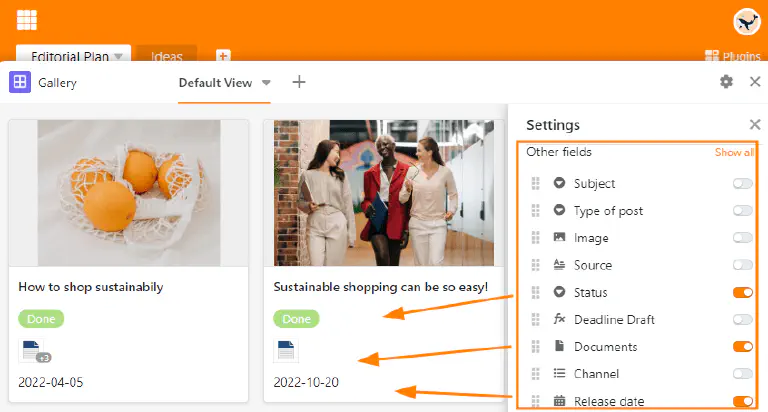
In the gallery settings, which you can reach via the gear icon , you can display more or less information by showing or hiding columns. Activate the sliders of the respective columns (e.g. Documents, Status and Date) to have more information from the table displayed in the gallery.
Multiple images in one row
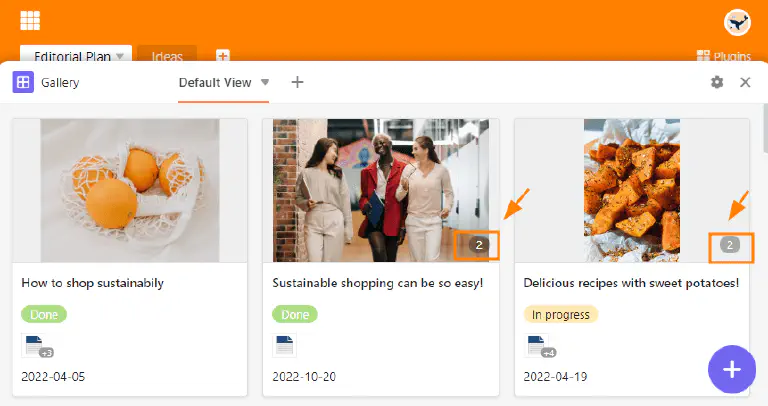
The number of images per album or row is displayed in the gallery with a number highlighted in gray. Logically, the number is only displayed when there is more than one image in an album.
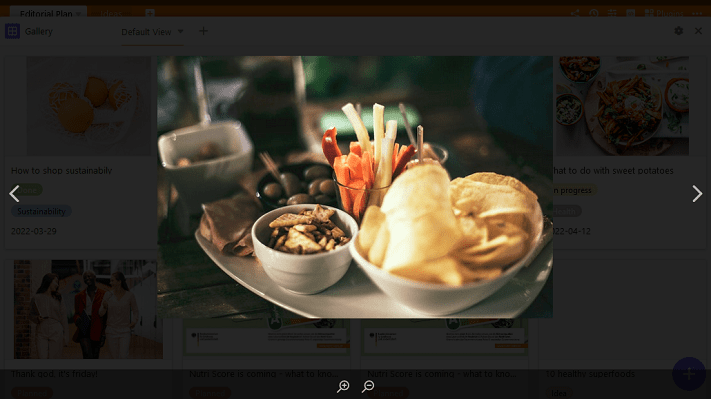
Clicking on the preview image opens the album in full-screen mode, where you can zoom in and out using the magnifying glasses and switch between images using the arrows.