Table of Contents
With a large number of bases, it can become quite confusing on your homepage. Therefore, use SeaTable’s practical search function to find bases quickly.
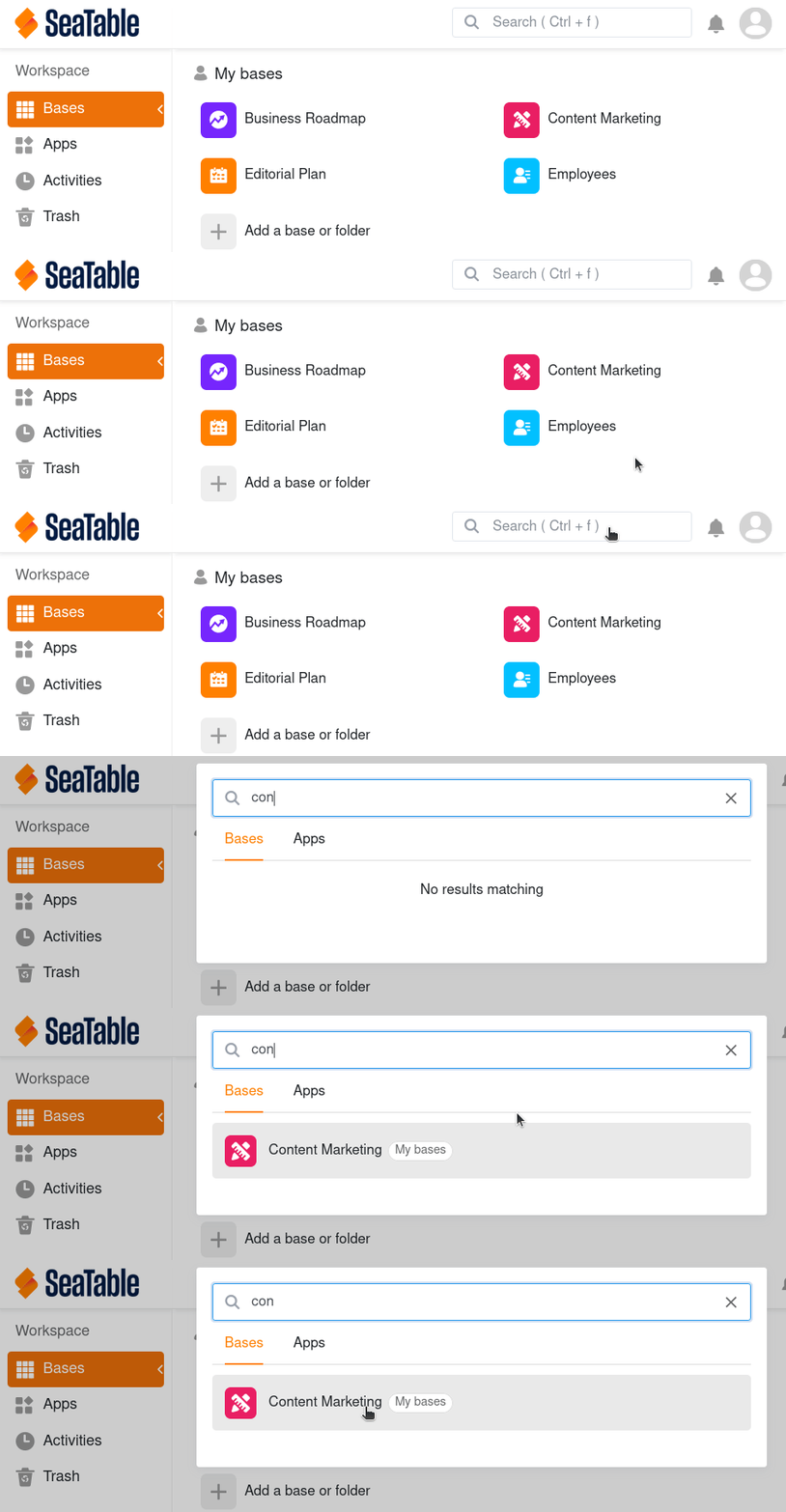
- Open the Homepage of SeaTable.
- Use the key combination Ctrl + F or click in the search field in the top right corner.
- Select whether you want to search your bases or your apps.
- Now enter a part of the name of the base you are looking for in the search field – and SeaTable will provide you with all matching search results.
- Click on the name in the hit list to open the desired base.
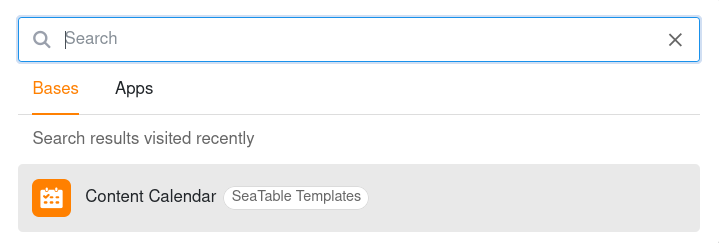
You will also see your last search results in a search history and can access these bases directly.