Table of Contents
As a team administrator, you can create new team members via the team administration without them already being registered with SeaTable. During the creation you can already assign your new team member to first groups and make security relevant settings. Your new team member will then receive his or her access data by e-mail and can start working with you immediately.
Add team members
-
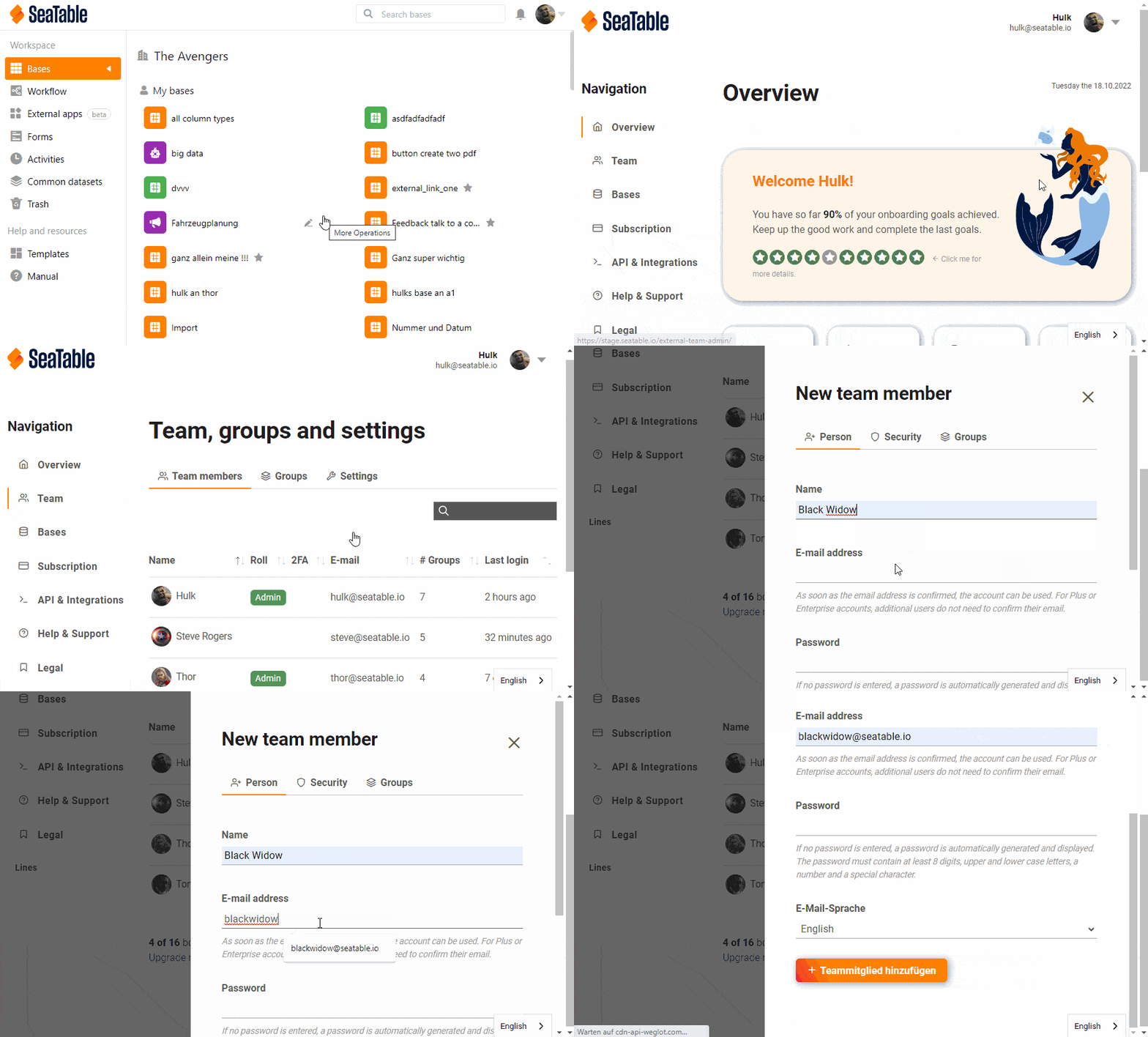
Click on your profile in the upper right corner.
-
Select the Team administration option from the drop-down menu.
-
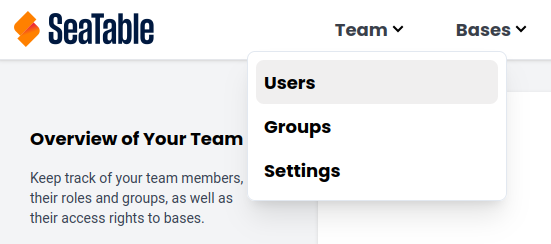
Under Navigation, click on the menu item Team, select the Users category.
-
Click on the Add Team Member button.
-
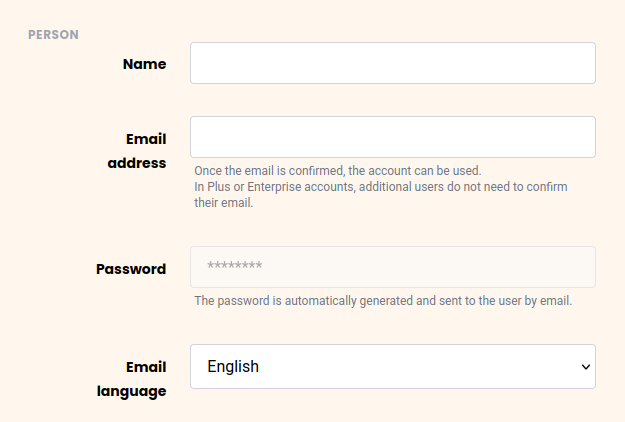
Enter the Name and Email Address of the person you want to add as a team member.
-
Select the Language in which you want to receive emails in the future.
Security Options
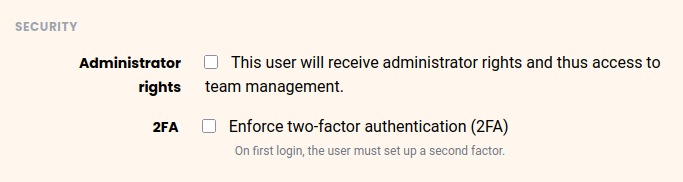
You can additionally set the following security options:
- Decide whether your new team member should become a Administrator of the team.
- Decide whether your new team member should undergo 2-Factor Authentication.
Group Membership
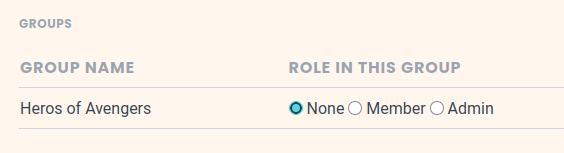
In the Groups section, you can select the respective groups and determine the role your new team member should have in the group: none, Member, or Admin. Selecting one of the last two options adds the new team member to the groups.