Table of Contents
Locked team members can no longer log in and work with you. However, as a team administrator, you can unlock them.
No login for deactivated team members
When a locked or disabled team member tries to log in to SeaTable, the following error message is displayed:
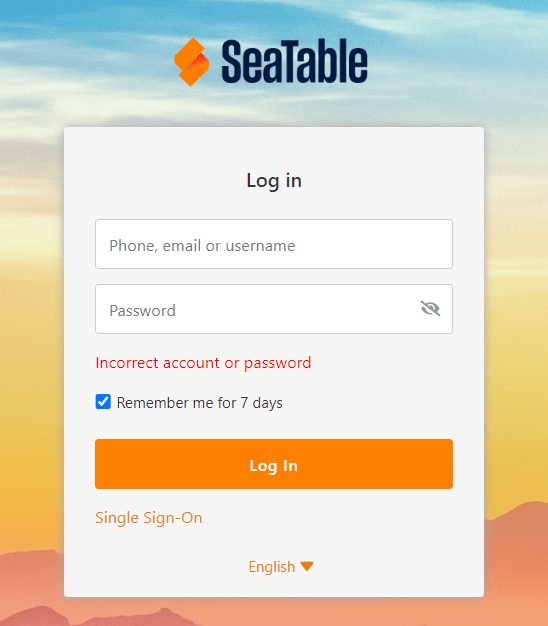
At this point, the team member can no longer do anything on his own.
Unlocking by the team administrator
-
Switch to the team administration.
-
Click on the Team menu item.
-
Select the blocked team member.
-
Change the status from Inactive to Active.
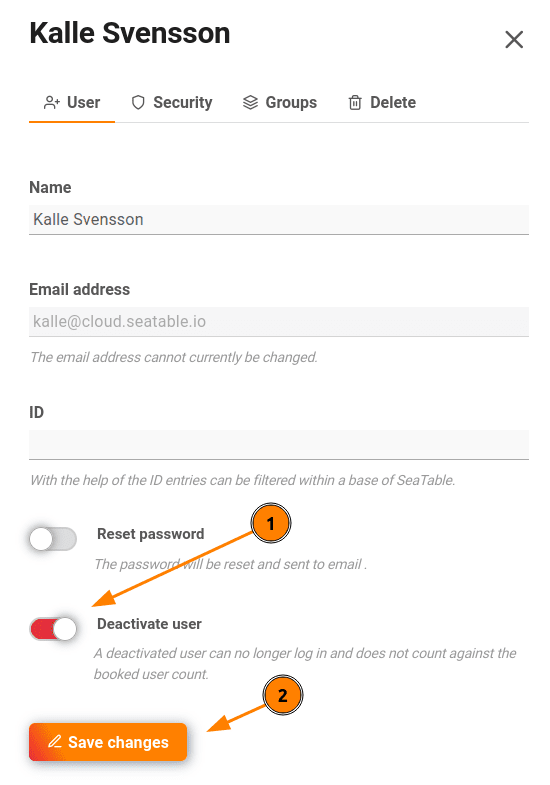
As soon as you make the change Saved at the team member can log back into the SeaTable Cloud or request a new password.