Table of Contents
As a team administrator, you can add new members to the team and give these members administration rights as well.
Make team members administrators
-
Click on your profile in the upper right corner.
-
Select the Team administration option from the drop-down menu.
-
Go to the Team menu item under Navigation.
-
Click the team member you want to give administration rights to.
-
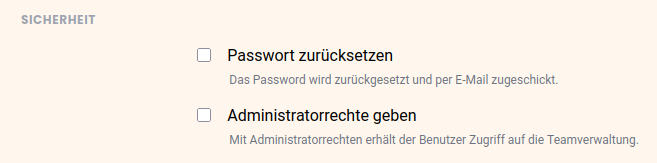
Under Security, check the Grant Administrator Rights checkbox.
-
Click Save Changes.
The rights of a team administrator
Every team administrator gets full access to the team administration and has the same rights. For a detailed overview of all team administration functions, please read the article The team administration functions at a glance.