Table of Contents
As a team administrator, you can enable two-factor authentication for the entire team as well as for a single account. For full details on two-factor authentication, see the article Enforce two-factor authentication for the entire team .
The following describes only how to enable this additional protection on an individual team member.
Activation of 2FA for a team member
-
Switch to the team administration.
-
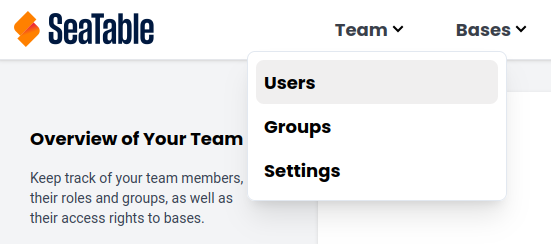
Click on the Team option, then Users
-
Select the Team Member.
-
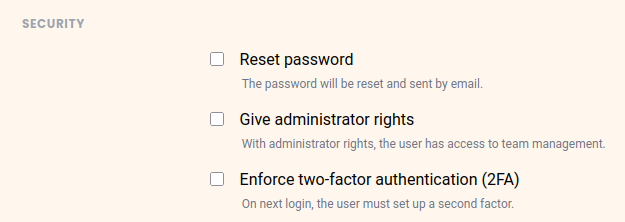
Under Security, enable the Enforce Two-Factor Authentication (2FA) option.
-
Click on Save Changes.