Table of Contents
Available with Team Administrators
As a team administrator, you can change the name of your team in the team administration.
To change the team name
-
Click on your profile in the upper right corner.
-
Select Team administration from the drop-down menu.
-
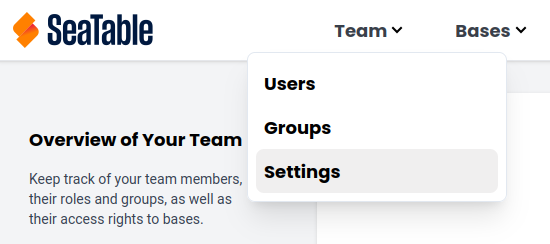
In the Navigation, click on Team and select the Settings category.
-
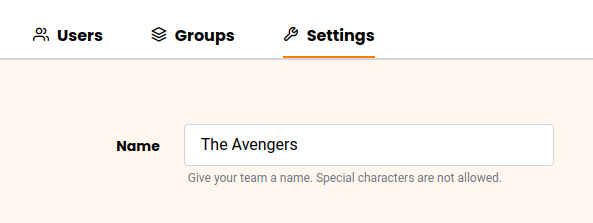
Enter the Team Name.
-
Click on Save Settings.