Table of Contents
Available with Enterprise
Users with administrator rights can change the team logo on their SeaTable home page at any time with just a few clicks via the team administration. By default, the SeaTable logo is displayed here.
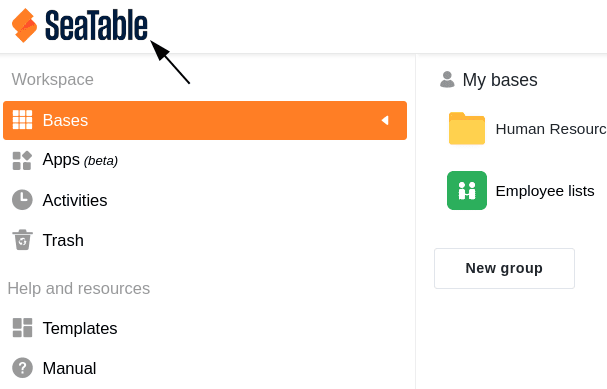
By placing their company logo, Enterprise subscription users can customize the user interface to match their company’s corporate design.
Replace the team logo on the SeaTable home page
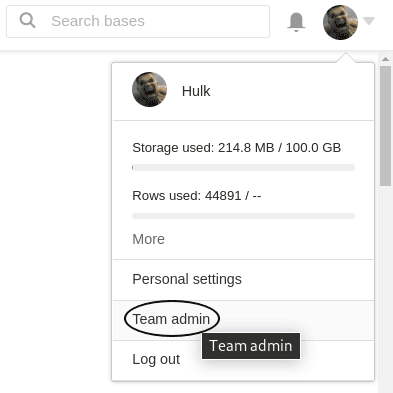
- Switch to the Team Management.
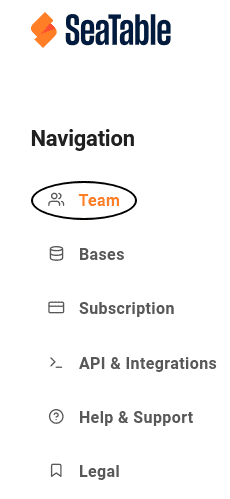
- Click on the menu item Team and then on Settings.
- In the Team Logo section, upload the desired logo and save the changes with Save Settings.