Table of Contents
To lock or delete team members, you must have administration permissions.
Blocking a team member
-
Switch to the Team admin.
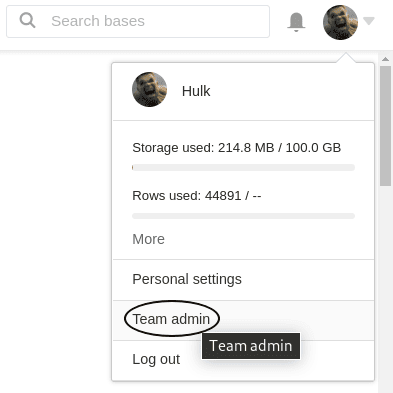
-
Click on the menu item Team, then select Users.
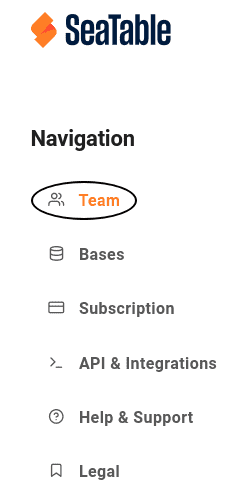
-
Select the Team Member.
-
Change the team member’s status from Active to Inactive and save the changes.
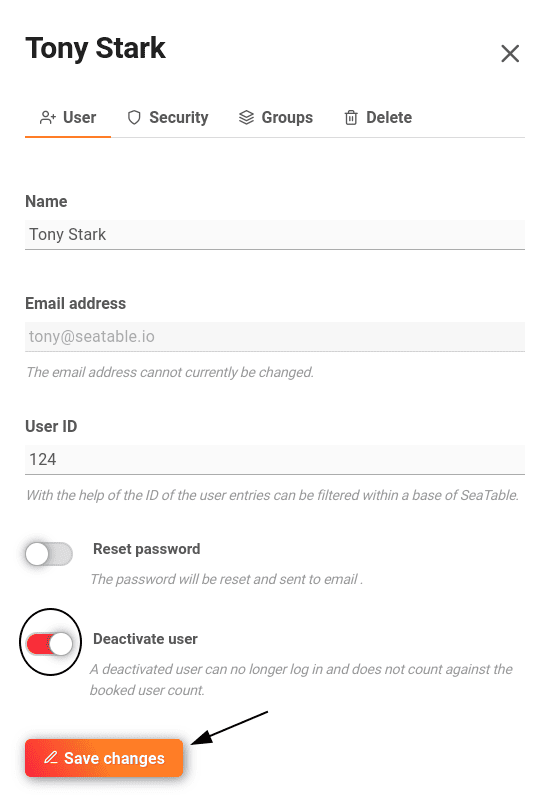
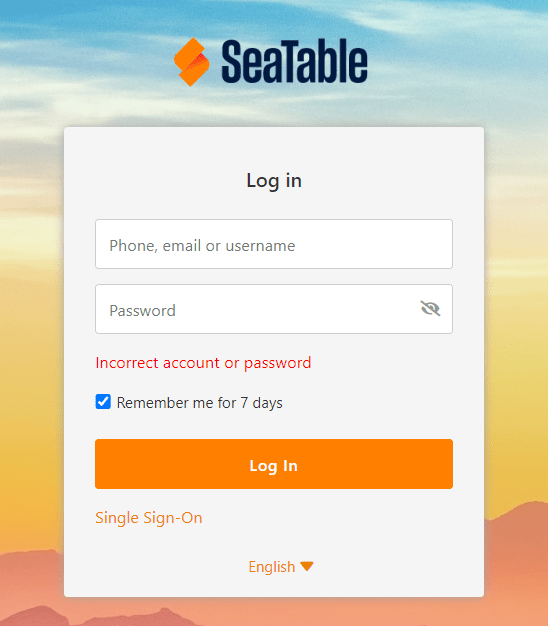
Once the blocked team member tries to log in, the following error message is displayed:
Delete a Team Member
- Switch to the Team Management.
- Click on the menu item Team.
- Select the Team Member.
- Click on the Delete User tab.
- Confirm the deletion.
Frequently asked questions
What happens to the base of a deleted user?
Do users still have access to shared bases of a deleted user?
What happens to a group created by a deleted user?