Table of Contents
You can view and download your invoices with just a few clicks via the team administration. You can find them in the Subscription tab.
Alternatively, you can simply use this link:
(you must of course be logged into cloud.seatable.io)
View invoices
- Open the Team administration.
- Click on Subscription.
- Click on Invoices.
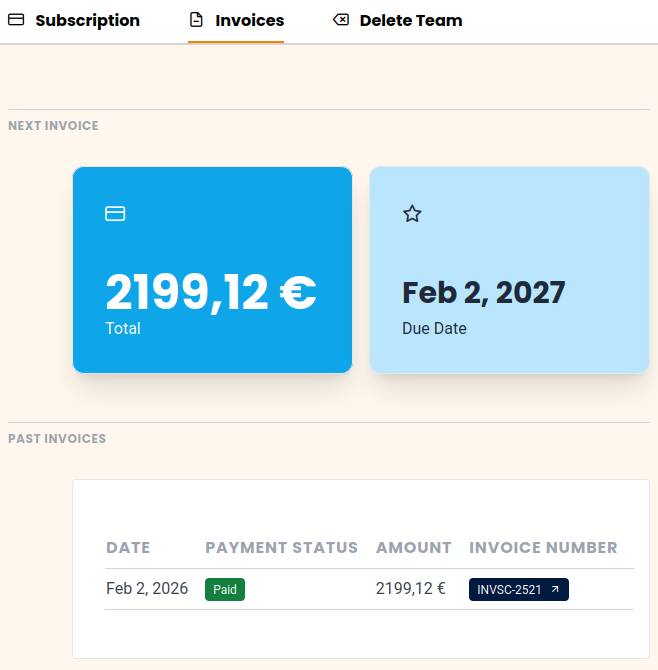
- You can now display all available invoices. Additionally, you can see the invoice amount and invoice date of the next invoice.
Download the invoice as PDF
In the table with your invoices, the invoice numbers are provided with a link to our payment service provider Stripe.
Just click on the invoice number and the download of the invoice as a PDF document will start shortly.
Automatic Invoice Dispatch by Email
Since November 2025, SeaTable also offers the option to have your invoices sent to you by email. You can find these options on the Subscription page under Invoice Settings.