Table of Contents
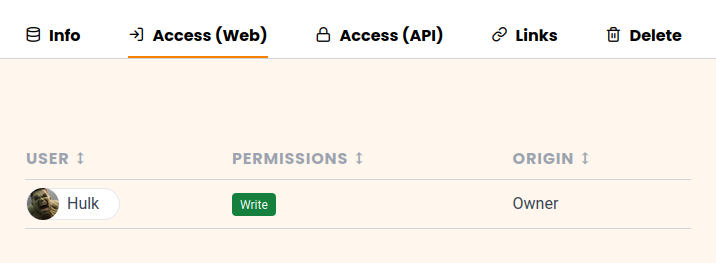
In Team administration, you can view all access permissions for a base to keep track of who can see or edit the data.
Viewing the access permissions
-
Click your avatar image in the upper right corner.
-
Select Team administration from the drop-down menu.
-
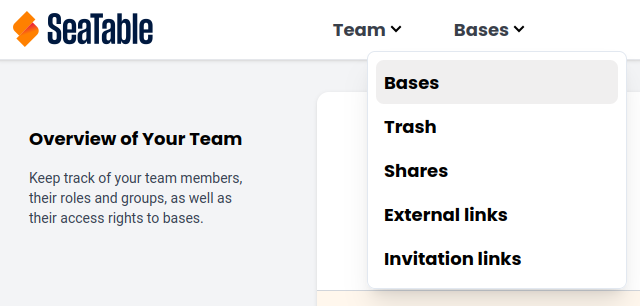
In the Navigation, click on Bases.
-
Click on the base whose access information you want to view.
-
Select the Access option under the heading. Here you can see all authorized persons and their rights.