Table of Contents
Available with Team Administrators
SeaTable currently offers two payment methods:
- Payment by credit card
- Payment by invoice
Payment by credit card is the payment method that is used in the vast majority of cases. Thanks to our payment service provider Stripe , we accept payments by Visa, Mastercard, American Express, China UnionPay, Discover, Diners and Cartes Bancaires.
The second possible payment method is payment by invoice, which is only possible under certain conditions. You can find out what these are in the help article Payment by invoice .
How can I see which payment method is currently being used?
- Open the Team administration.
- Click on Subscription.
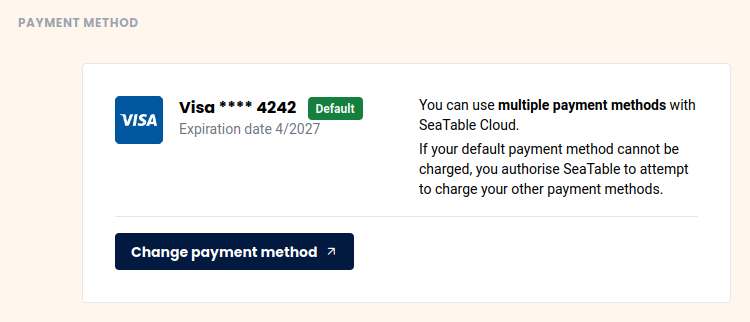
- You can view your current payment method under “Payment method”.
How can I change my payment method?
At the same place where you can see your payment method in Team Management, you can also edit it. Click on Edit Payment Method and make the desired changes.
You can, for example, store a new or additional credit card as the payment method.
Switch to Invoice Payment
Learn how and under what conditions you can activate invoice payment in this article .