Table of Contents
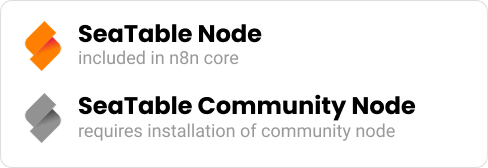
With the SeaTable Node in n8n, you can directly integrate your SeaTable data into automated workflows—without custom scripts or API calls. Since version 1.85.0, the SeaTable node is part of the n8n Core and supports all essential functions to process, update, or trigger workflows based on changes in SeaTable data.
SeaTable in n8n Core
The Core node offers all key functions for integrating SeaTable into n8n:
- Trigger: Automatically start workflows when new or updated rows are detected in a SeaTable table.
- Actions: Add records, update existing ones, or delete entries.
This allows you to use SeaTable directly as part of your automation environment without any additional installation.
SeaTable Community Node
In addition to the Core integration, developers and power users still have the SeaTable Community Node available. It can be installed directly in n8n like any other Community Node—simply via Settings → Community Nodes → Install.
We actively develop the Community Node:
- New features and bug fixes are implemented there first.
- Once proven stable, we submit a pull request to merge changes into the Core node.
Thus, the Community Node can be newer than the Core version—but it does not have to be.
Parallel Usage
Both SeaTable nodes—Core and Community—can be used in parallel within the same n8n instance. You can even combine them within a single workflow. There are no interactions or conflicts between these nodes.
Who is the Community Node for?
The Community Node is ideal for users who:
- want to try new features early,
- want to benefit from current bug fixes before they are officially merged into the Core,
- or want to actively contribute to the development of the SeaTable node.
Conclusion
The SeaTable Core node offers stability and is fully integrated in n8n,
while the Community node delivers innovation and early improvements.
Both can be used in parallel—flexibly, compatibly, and without conflicts.