Table of Contents
To use SeaTable in your team, a license must be purchased separately for each user.
However, users who no longer use the program can be set to inactive via the Team tab in the team administration and will then no longer count in the number of booked users.
Alternatively, you can simply use this link:
(you must of course be logged into cloud.seatable.io)
Set User to Inactive
Locking team members (i.e. setting their status to Inactive) is described in the help article Lock or Delete a Team Member .
Inactive Team Members Don’t Require a License
Deactivated users always appear in the Team overview under the Team tab with a red Inactive notice.
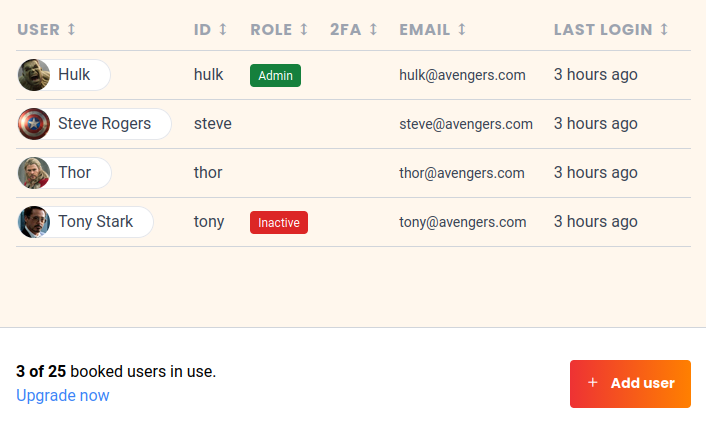
Inactive users don’t require a license and don’t increase the total number of booked users.