Table of Contents
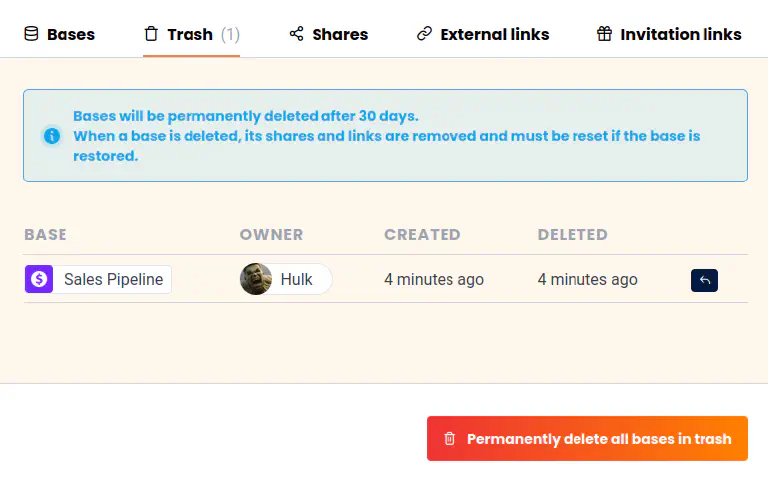
After 30 days, deleted bases are automatically removed from the system. However, you can also permanently delete the bases manually by emptying the trash in the team administration.
-
Click your avatar image in the upper right corner.
-
Select Team administration from the drop-down menu.
-
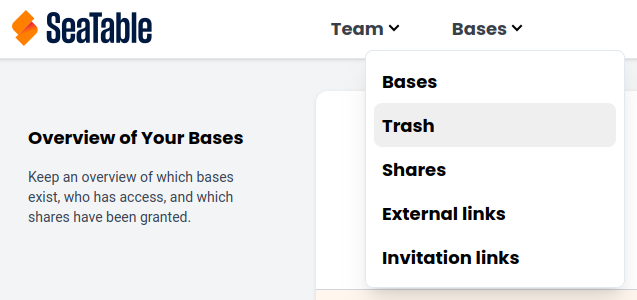
In the Navigation, go to Bases and then to Trash
-
You now see the overview of all already deleted bases of your teams. You can now restore individual bases or completely empty the trash.