Table of Contents
Available with Team Administrators
You want to change your billing address? No problem, via the team administration this is done in just a few steps.
Customize billing address
-
Open the Team Management.
-
Click on Subscription.
-
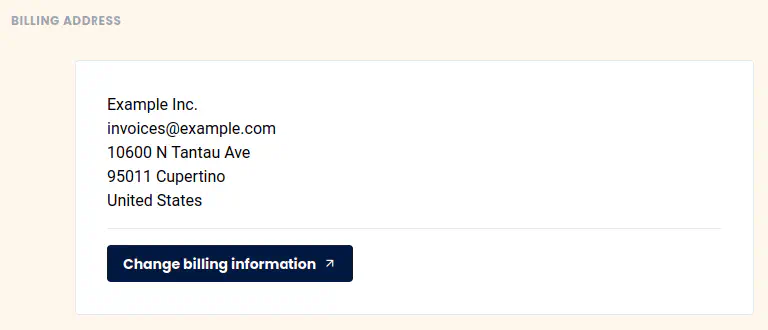
Click on “Edit Invoice Information”.
-
Store a new invoice address.
-
Save your changes
Frequently asked questions about the billing address
When does the billing address become valid?
If you change your billing address, all future invoices will be created with your new billing address.
Can the billing address be changed retroactively?
Unfortunately no. Unfortunately, it is not possible to change the billing address on invoices that have already been generated. In exceptional cases, we may be able to issue you a new invoice, but will charge a processing fee of 10 € in any case. Please send us an appropriate support request
with the invoice number and the exact change requests.