Table of Contents
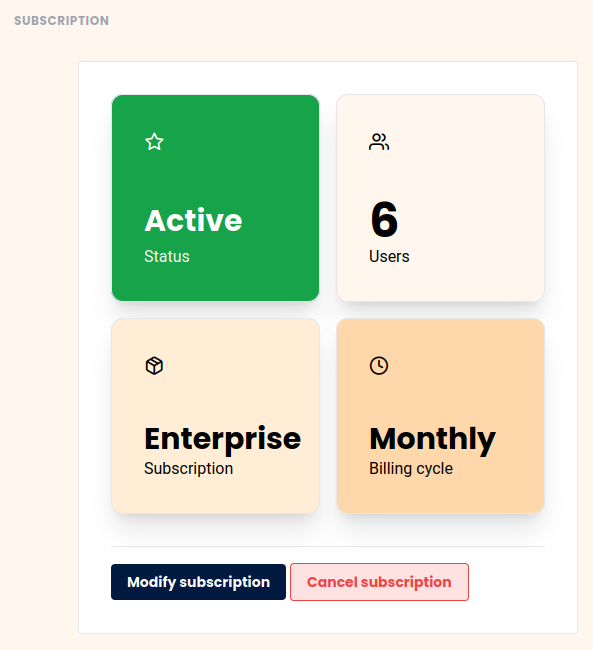
You want to cancel your SeaTable subscription? To do so, use the Subscription tab in team administration. Please note, however, that the cancellation of existing subscriptions only takes effect at the end of the subscription period. You can still use your cancelled subscription to its full extent until this point is reached.
Cancel subscription
-
Open the Team administration.
-
Click on Subscription.
-
Click on Cancel Subscription and then confirm the cancellation.
-
Your subscription will now be cancelled at the end of the selected term. Until that time, you can continue to use SeaTable to the full extent.
Delete team completely
If you want to cancel not only your current subscription, but also your entire team, please read the help article delete the entire team .